— Help center
Branding your booking page
Make the booking page feel like yours — your logo, your colours, your domain analytics.
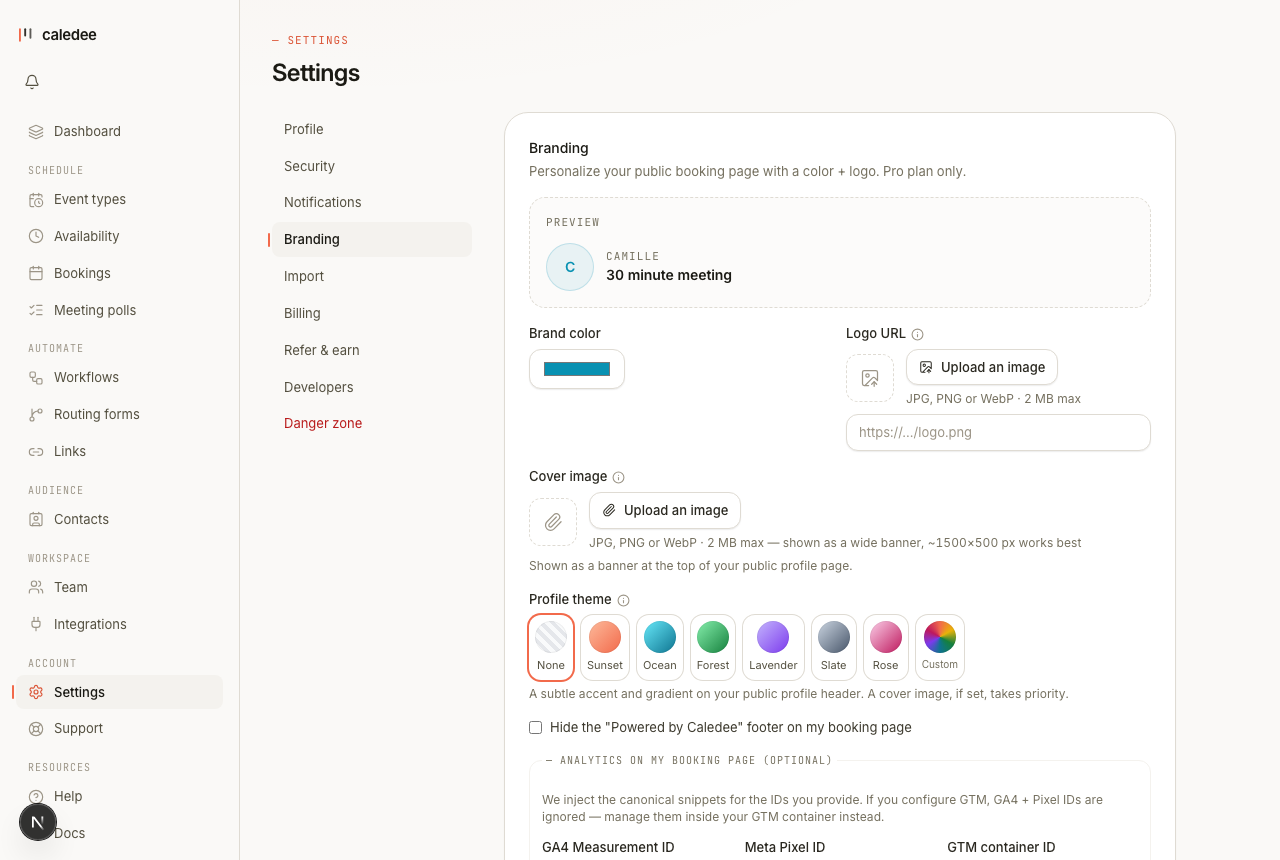
Where to set it
Open Settings → Branding. The page shows a live preview that updates as you change each option.
Logo and cover image
Upload a logo and a cover image directly — drop in a PNG, JPG, or similar and Caledee hosts it for you. (You can also paste an image URL if you'd rather host it yourself.) The logo sits at the top of your booking page; the cover sets the banner.
Brand colour
Pick a brand colour and it's applied to buttons and accents across your booking flow, so the page matches your site.
Hide the Caledee footer
Toggle off the “Powered by Caledee” footer for a cleaner, white-label booking page.
Analytics
Connect your own measurement tools to track conversions on your booking pages:
- Google Analytics 4 (a measurement ID).
- Meta Pixel.
- Google Tag Manager.
Branding is a Pro feature. On Free, the page shows what's available and a prompt to upgrade — see Billing & plans.