— Help center
Teams & managed event types
Team plans add shared scheduling: invite members, distribute bookings across a team, and standardise event types.
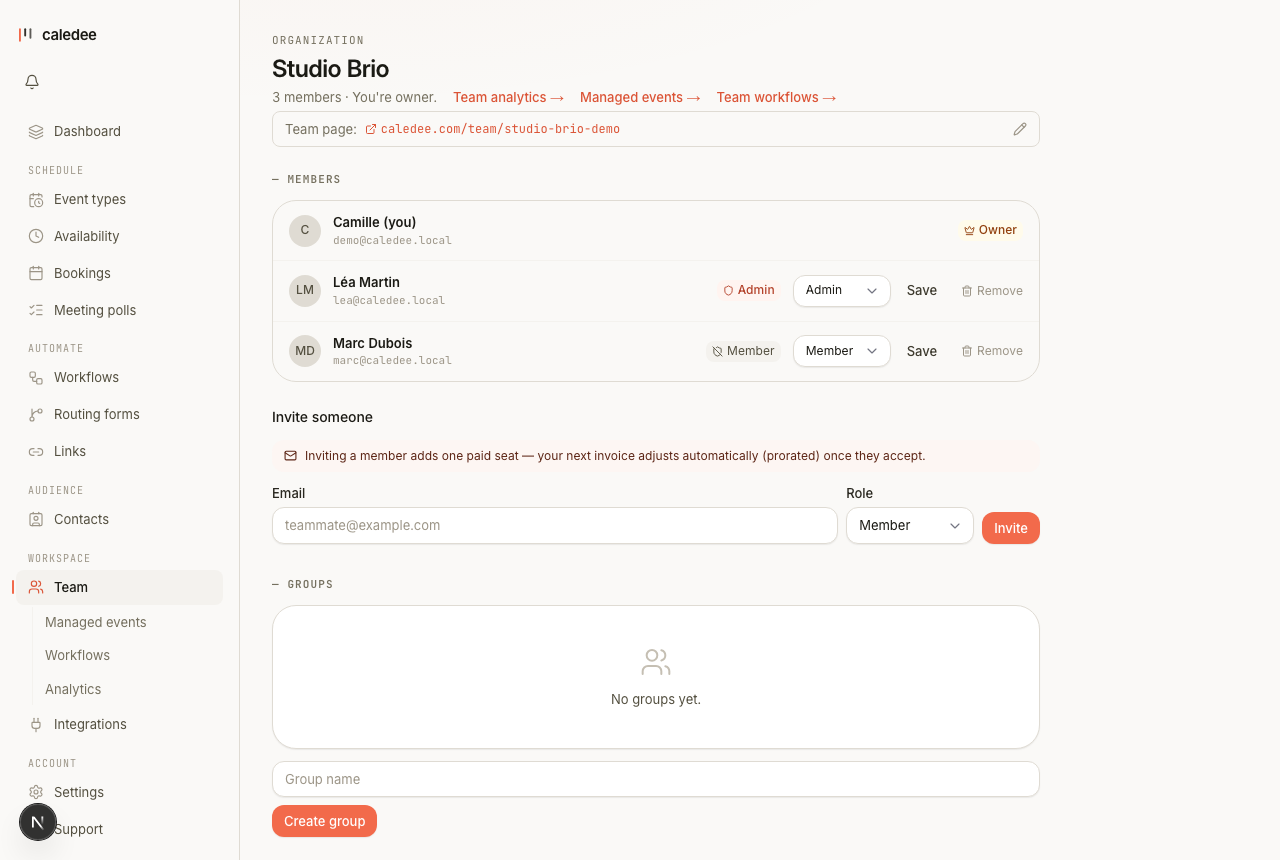
Organizations and members
Create an organization, then invite teammates by email from the Team page. Each active member takes a seat, and seats are billed per person — see Billing & plans. Owners and admins manage members; members get the team's features.
Round-robin and collective events
- Round-robin spreads bookings across a pool of selected hosts. You can be in the rotation yourself or just organize it — the “Include me as a host” toggle.
- Availability — two modes. Each host's own availability: a time shows if at least one host is free in their own schedule. Same hours for all hosts: you set one schedule that frames everyone, and a time shows if it's within those hours and at least one host has no calendar conflict. Either way, a host's connected calendar always blocks their busy times — even in the shared-hours mode, where their personal schedule is replaced by the shared one.
- Who gets the booking — by priority (the default: give your key hosts more stars), an even rotation, or least busy. Only hosts actually free at the chosen time are eligible.
- Collective events book several hosts into the same meeting, only offering slots when everyone is free.
Managed event types
An admin can author a template and assign it to members — individually, to a named group, or to everyone. Each assignee gets a real event type on their own booking page, so the whole team offers a consistent meeting without anyone rebuilding it.
Locks and syncing
On the template you choose which sections are locked. Locked sections are read-only for members and stay in sync — edit the template and every assignee's copy updates automatically. Unlocked sections fork per member, so they can tailor, say, their own questions while the duration and location stay fixed.
Groups
Define named groups (for example “Sales” or “EMEA”) and assign templates by group. New members added to a group can auto-receive its templates.