— Help center
Event types: durations, buffers & questions
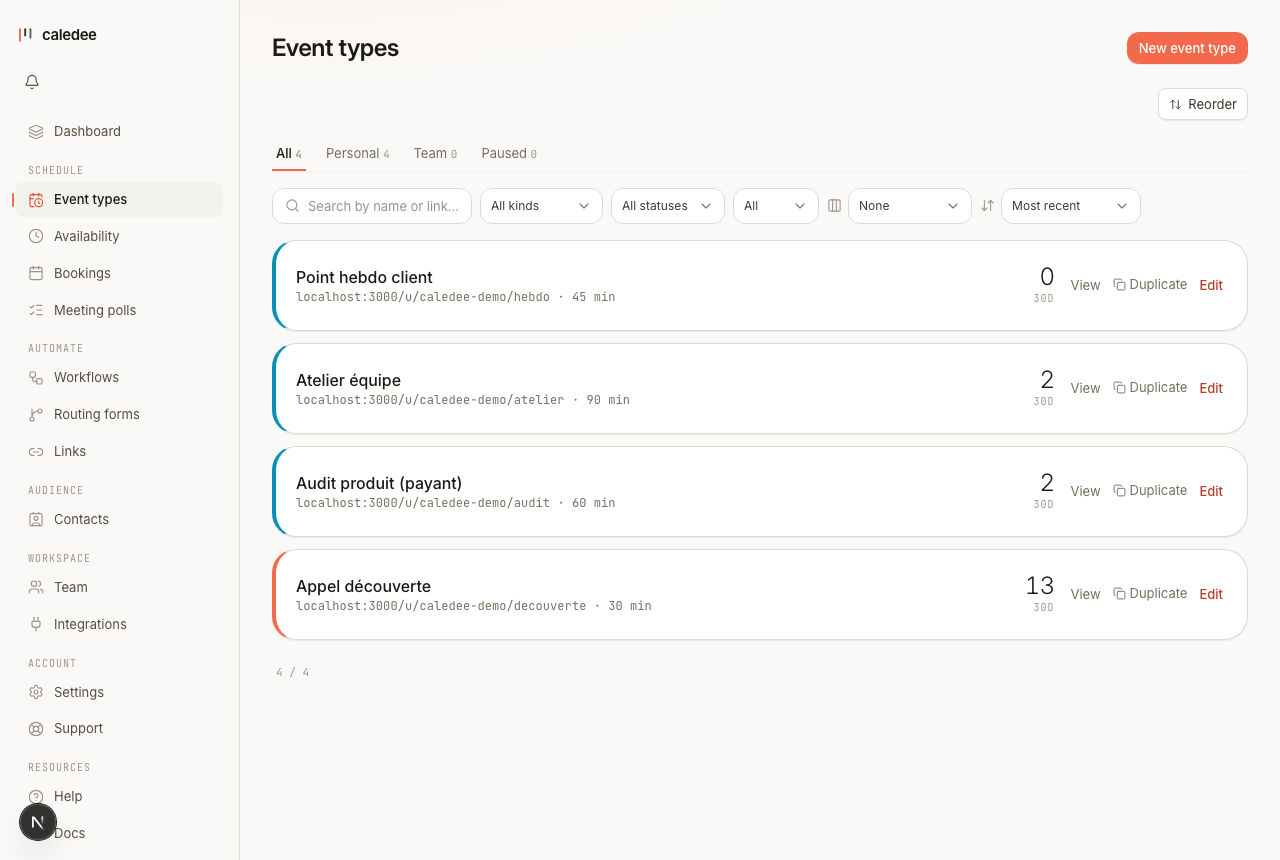
An event type is a single bookable link with its own rules. Here is what you can configure on one.
Durations
An event type can offer a single duration or several. Add as many as you like — the invitee picks one on the booking page. Durations are chosen from presets (15, 30, 45, 60, 90 minutes…) or set to a custom length in minutes or hours.
Buffers and booking rules
Under the duration rules you can protect your day:
- Buffer time before and/or after each meeting, so back-to-back bookings never touch.
- Minimum notice — block last-minute bookings (for example, nothing within the next two hours).
- Daily limit and a rolling booking window, so invitees can only book so far ahead.
- Maximum invitees per slot for group events.
Location
Choose where the meeting happens: Google Meet, Zoom, a phone call, an in-person address, or a custom link. When you connect Zoom or a video provider, the link is generated per booking. You can also offer several locations and let the invitee choose one when they book.
Questions for invitees
Ask for what you need before the meeting. Every event type collects a name and email; you can add your own questions on top:
- Short text and long text answers.
- Single-choice and multiple-choice options.
- A phone number field.
- File upload — let invitees attach a PDF, JPG, or PNG (for example a brief or a CV).
Other settings worth knowing
Each event type also has its own slug, an optional internal note, a confirmation/redirect behaviour after booking, and an active/inactive toggle so you can pause a link without deleting it. Team accounts can additionally run round-robin and collective event types.
Every option, explained
The complete reference — each option, what it does, and a concrete example. (The same table lives in the downloadable PDF guide on the help home page.)
| Option | What it does | Example |
|---|---|---|
| Name | The title invitees see; the permalink derives automatically. | Discovery call → /discovery |
| Description | Shown under the title on your public page. | “30 min to scope your need” |
| Durations | One or several durations the invitee picks from. | 30 · 45 · 60 min |
| Color | The dot in your lists and the page accent. | coral |
| Welcome video | YouTube, Vimeo, Loom or upload — plays on the booking page (left column). | youtu.be/xyz |
| Location | Video (Meet/Teams/Zoom), phone, address, “ask the invitee”, or several for the invitee to choose. | Meet · Phone · In person |
| Questions | Text, paragraph, selects, checkboxes, email, phone… and file upload (Pro). | “Your brief” (PDF, required) |
| Payment | Fixed price charged via Stripe at booking. Fee: 0% on paid plans, 3% on Free. | €120 EUR |
| Deposit | As % or fixed amount; the balance is settled at the session. | 30% → €36 now |
| Buffer before / after | Time blocked around each meeting. | 15 min after → 14:30 blocks till 14:45 |
| Minimum notice | Prevents last-minute bookings. | 4 h |
| Daily cap | Caps meetings per day. | 6 / day |
| Booking window | How far ahead invitees can book. | 30 days |
| Recurring | The invitee books a series (weekly, biweekly…). | 4 × weekly (Pro) |
| Confirmation | Message, CTA button or redirect after booking. | redirect → yoursite.com/thanks |
— Related articles